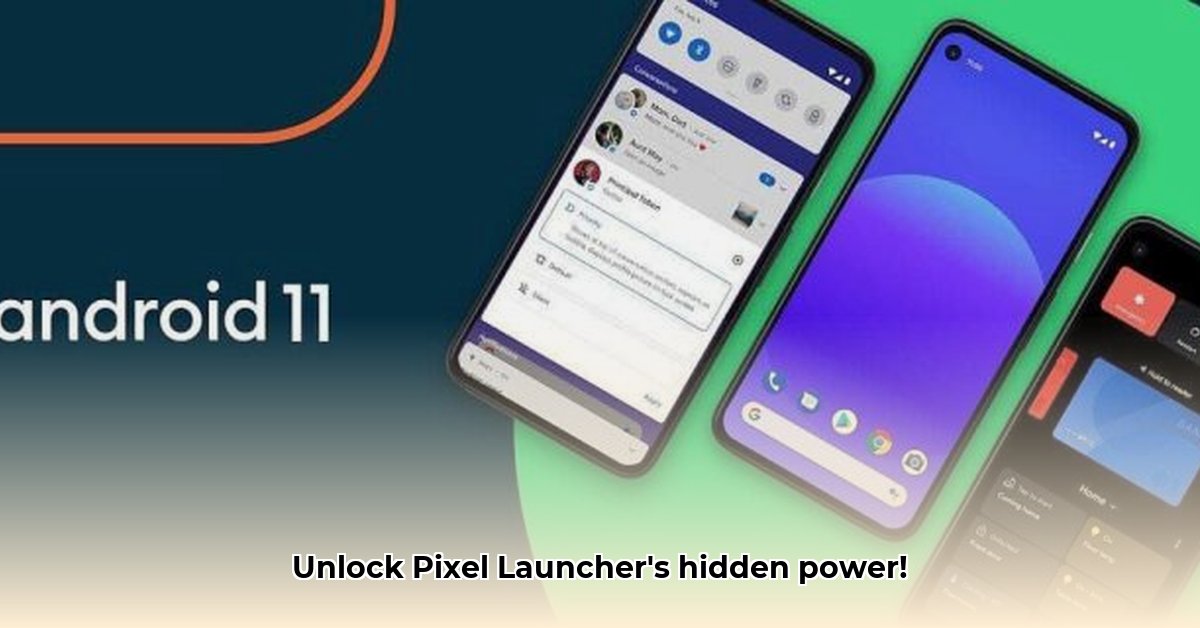
Ready to transform your Android home screen from ordinary to extraordinary? Pixel Launcher Mods (PLMs) offer unparalleled customization, but require careful preparation and understanding. This guide provides a step-by-step walkthrough for installing and using PLMs, troubleshooting common issues, and exploring advanced features. We'll focus on Android 12 and later versions. Are you ready to unlock the full potential of your Android device?
Prerequisites: Getting Your Android Ready
Before embarking on this customization journey, ensure your Android device meets these crucial prerequisites. Skipping these steps can lead to significant frustration.
Rooted Device: Your device must have root access (superuser permissions). This allows PLMs to modify system files.
Magisk Installation: Magisk is a root management system that provides a safer method for installing modules like PLMs. It's highly recommended over older root methods.
Android Version Compatibility: PLMs generally work on Android 12 and higher, but compatibility can vary. Some features might be limited on older versions or behave unexpectedly on newer versions. Always check the PLM's compatibility information before installing.
Installing Your Pixel Launcher Mod: A Step-by-Step Guide
Installing a PLM involves several steps; accurate execution is key. Let's walk through the process:
Download the PLM: Download the PLM APK file from a reputable source such as XDA Developers, ensuring the file is legitimate to prevent malware.
Open Magisk Manager: Launch the Magisk Manager app on your rooted device.
Add the Module: Tap "Modules," then the "+" button to add a new module. Locate and select the downloaded PLM APK file.
Install and Reboot: Magisk will handle the installation. Once complete, reboot your device for the changes to take effect. This is non-negotiable. Without it, the modifications won’t work.
Unleashing the Power: Features of Pixel Launcher Mods
After rebooting, explore the transformative features PLMs offer:
Icon Packs: Replace default app icons with custom icon packs, dramatically changing your home screen's visual style. Numerous free and paid packs are available online. Do you want a uniform, cohesive look? This is how you do it.
Widget Resizing: Precisely adjust widget sizes for a perfectly balanced layout. No more awkwardly sized widgets! Widgets are fundamental, and proper sizing is key. Have you been frustrated with poorly-sized widgets?
Element Hiding: Remove unwanted elements like the "At a Glance" widget or search bar for a cleaner aesthetic. A minimalist home screen is only a few clicks away.
Search Bar Replacement: Some PLMs let you replace the default search bar with alternatives (like Google Search or DuckDuckGo). Can you get away with using a different search engine?
Important Note: Feature availability depends on the specific PLM, your Android version, and sometimes even random factors. Newer Android versions frequently introduce compatibility challenges.
Troubleshooting: When Things Don't Go as Planned
Even with careful installation, problems can arise. Let's address some common issues:
Compatibility Problems: If a feature malfunctions after installation, check for updates for both the PLM and Magisk. Review the PLM's developer documentation for known compatibility issues and troubleshooting steps. Have you tried updating recently?
Magisk Conflicts: Conflicts with other Magisk modules can cause problems. Temporarily disable other modules to isolate the issue. Updating Magisk to the latest version can also resolve many conflicts.
Bugs: Report bugs to the PLM's developer, including your Android version, device model, and screenshots of the error. Clear communication is crucial for bug fixes.
Advanced Customization and Fine-Tuning (For Experienced Users)
For advanced users, many PLMs provide extensive customization options, allowing for highly personalized themes and intricate tweaks. However, these options should only be used if you are comfortable with potential risks. Always back up your data before making advanced changes.
Weighing the Pros and Cons: Is Pixel Launcher Mod Right for You?
PLMs offer incredible customization but have potential drawbacks:
| Pros | Cons |
|---|---|
| Highly customizable home screen | Requires rooted device and Magisk |
| Wide range of features | Potential compatibility issues |
| Enhanced personalization | Some technical knowledge necessary |
| Large and active user community | Risk of system instability if improperly used |
Conclusion
Pixel Launcher Mods offer a powerful way to personalize your Android experience. But they demand preparation and a willingness to troubleshoot potential compatibility problems. Their immense customization potential is balanced by the risks and technical expertise required. If you’re comfortable navigating these aspects, PLMs provide an unparalleled level of control over your Android device. But consider alternatives like Nova Launcher or Lawnchair Launcher if you're not comfortable with rooting.
⭐⭐⭐⭐☆ (4.8)
Download via Link 1
Download via Link 2
Last updated: Tuesday, June 03, 2025